







How it started
How it's going


@yostane



#TechAtWorldline
Yassine
Benabbas
DevRel / Teacher
Video game collector
😍 Kotlin, WASM, or any fancy technology

We design payments technology that powers the growth of millions of businesses around the world.
Managing 43+ billion transactions per year
7000+ engineers in over 40 countries
#TechAtWorldline
Handling 150+ payment methods

blog.worldline.tech



Web Assembly (WASM)
- Portable binary instruction format
- "Initially" targeted for web browsers (to speed up JS)

(module
  (func (result i32)
    (i32.const 42)
  )
  (export "getUniversalNumber" (func 0))
)
00 61 73 6d 01 00 00 00  01 05 01 60 00 01 7f 03  |.asm.......`....|
02 01 00 07 16 01 12 67  65 74 55 6e 69 76 65 72  |.......getUniver|
73 61 6c 4e 75 6d 62 65  72 00 00 0a 06 01 04 00  |salNumber.......|
41 2a 0b 00 0a 04 6e 61  6d 65 02 03 01 00 00     |A*....name.....|
wat format (human readable)
wasm file
https://github.com/WebAssembly/wabt
Browser

Compiler

WASM runtime
JS engine



Based on: https://wasmlabs.dev/articles/docker-without-containers/
binary
WASM in browsers
Source code





Browser
Compiler
WASM runtime
JS engine
Based on: https://wasmlabs.dev/articles/docker-without-containers/
binary
WASM in browsers
Source code
Browser
Compiler
WASM runtime
JS engine
Based on: https://wasmlabs.dev/articles/docker-without-containers/
binary
WASM in browsers
Source code
WASM on the browser
- A lot of languages compile to WASM
- JS interop

Need to do something related to WASM



.NET on the browser
- .NET: C# OSS cross-platform framework
- Compiles to WASM (Blazor is an example)
- API to interop with JS


public partial class MyClass
{
    [JSExport]
    internal static string Greeting()
    {
        var text = $"Hello, {GetHRef()}";
        Console.WriteLine(text);
        return text;
    }

    [JSImport("window.location.href", "main.js")]
    internal static partial string GetHRef();
}
setModuleImports('main.js', {
window: {
location: {
href: () => globalThis.window.location.href
}
}
});
const text = exports.MyClass.Greeting();
console.log(text);.NET 7+
JS Interop

Let's port a .NET game !


Game porting
- Make a game run in platforms other than its original ones
- By rewriting / adapting the source code for the new platform(s)
- Not porting: virtual machine or emulator
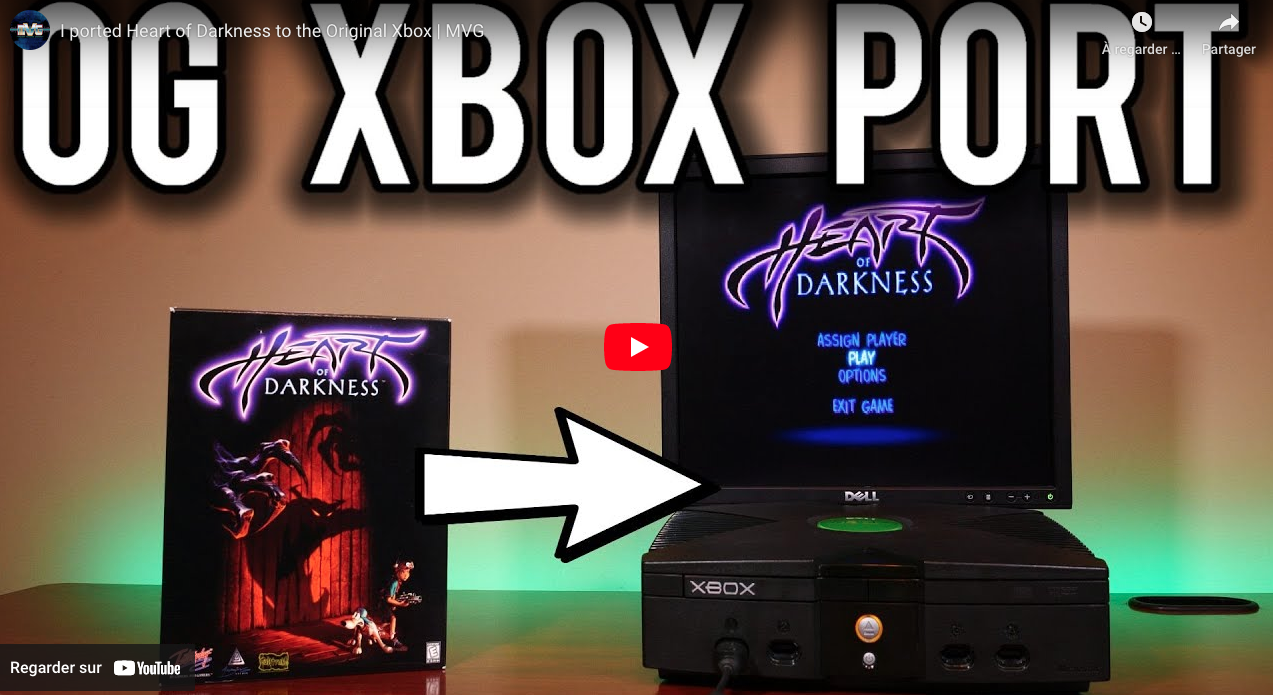
MVG's video is a great source of inspiration
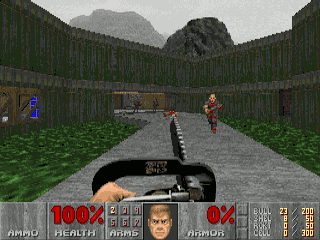
- Released in 1993 for DOS
-
Has two parts:
- engine: Game logic + I/O
- WAD file: all assets and maps

🌟 Doom is portable by design 🌟

http://mrglitchsreviews.blogspot.com/2012/09/doom-console-ports.html
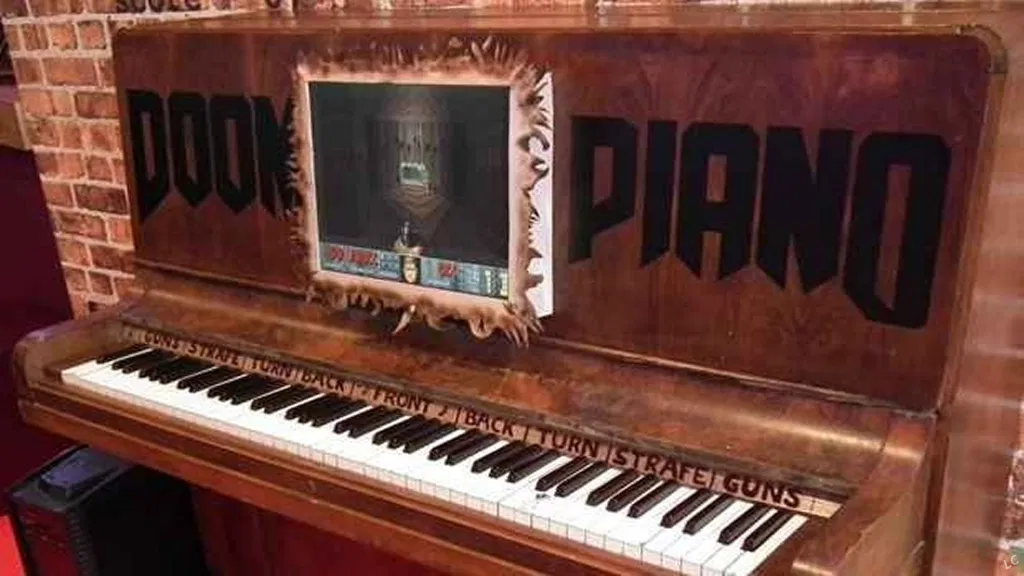
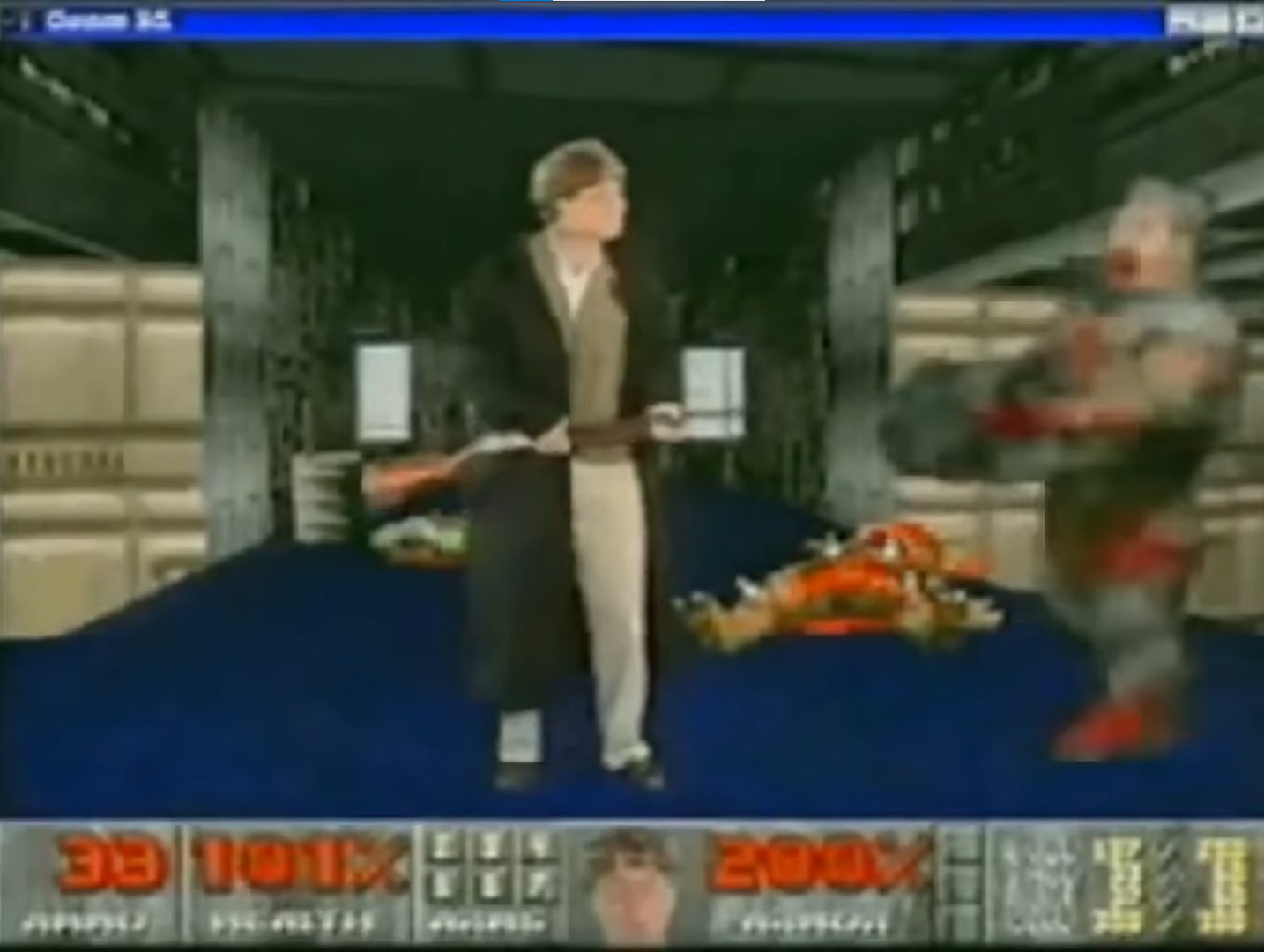
Ported to a LOT of platforms

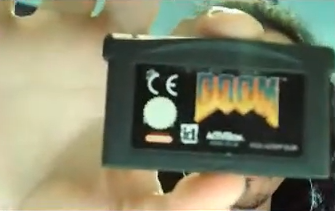
25 official licensed ports https://www.thegamer.com/doom-how-many-platforms-ports-consoles
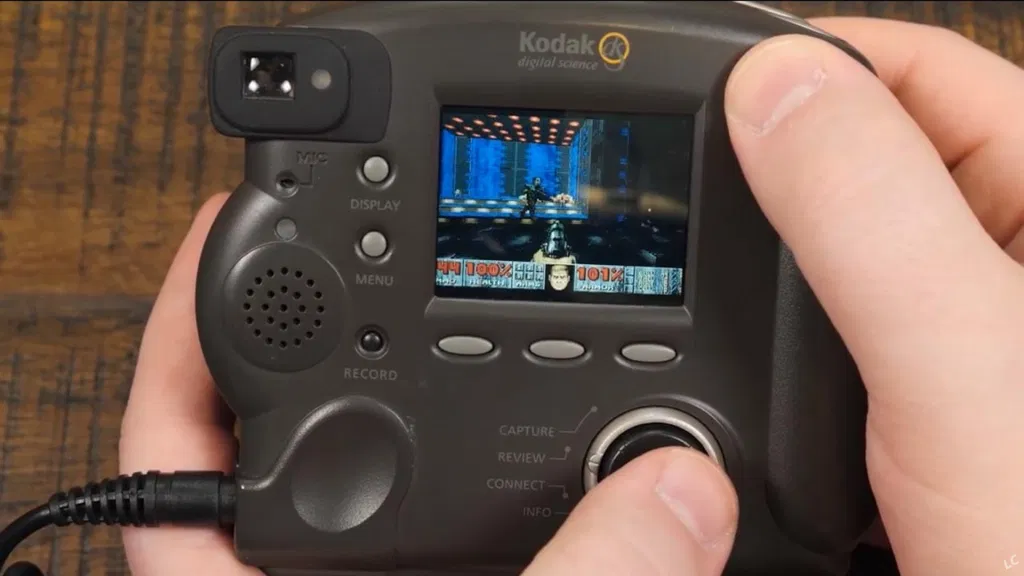
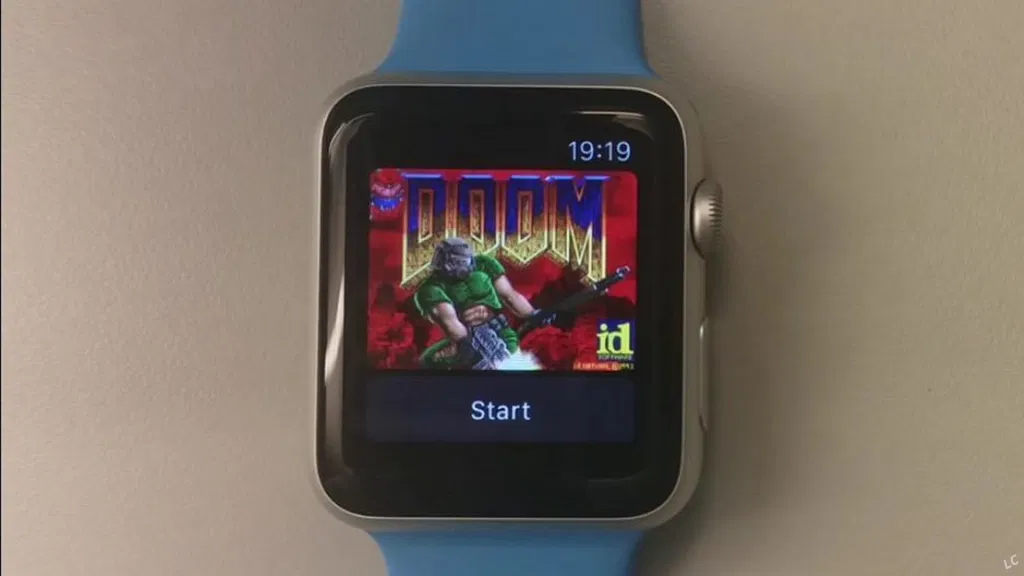
https://www.link-cable.com/top-10-weird-doom-ports/
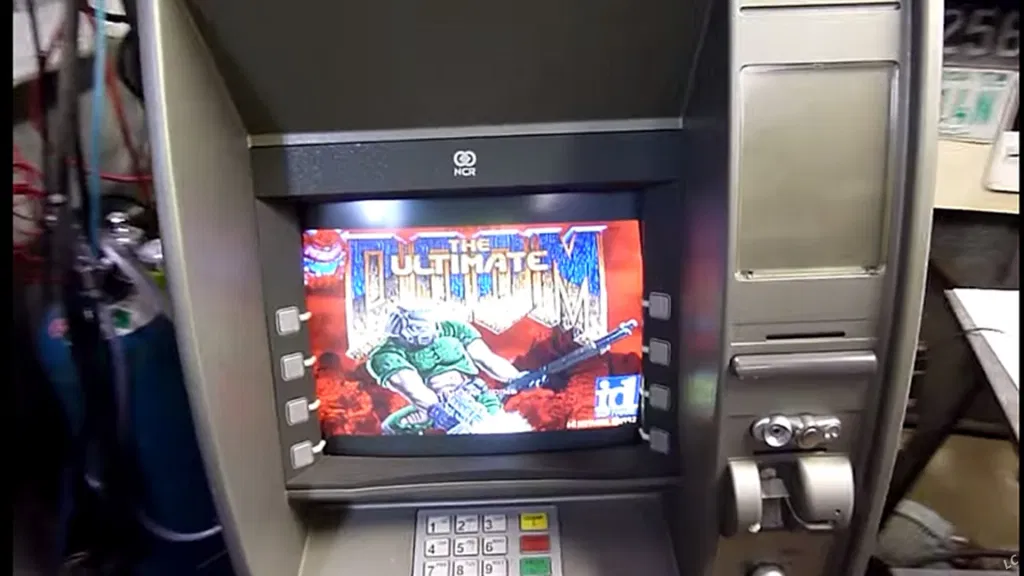
Source: https://www.yahoo.com/news/1995-bill-gates-gave-crazy-180900044.html
ManagedDoom
id-Software/DOOM
sinshu/managed-doom
yostane/MangedDoom-Blazor





Game loop in C#
while (waitForNextFrame()){
  const input = getPlayerInput();
  const { frame, audio }
  	      = UpdateGameState(input, WAD);
  render(frame);
  play(audio);
}
Game loop in JS
function gameLoop(){
  if (canAdvanceFrame()){
    const input = getPlayerInput();
    const { frame, audio }
  	      = UpdateGameState(input, WAD);
    render(frame);
    play(audio);
  }
  requestAnimationFrame(gameLoop);
}
requestAnimationFrame(gameLoop);
ManagedDoom V1 architecture
For loop (game loop)
pressed keys (keyup)
release keys (keydown)
['Z', 'Q']
['space']
Frame buffer
Audio buffer
SFML Audio
SFML Video
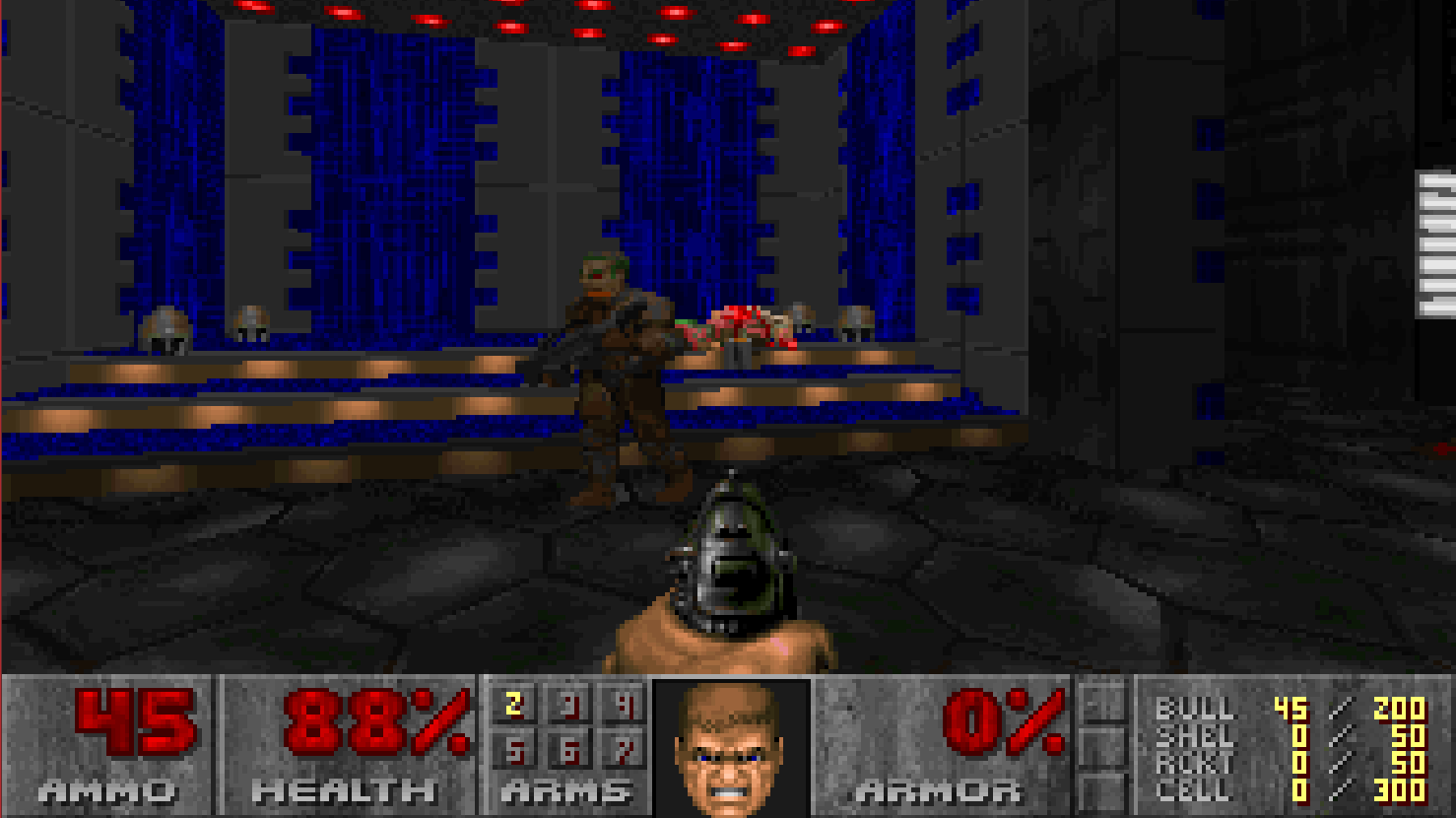
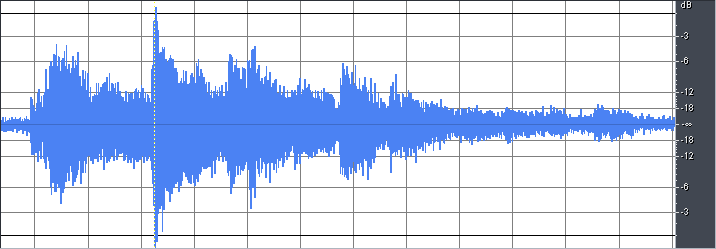
1 iteration of the Doom Engine
Updates the game state
.NET WASM
~70% OK
.NET WASM

wad
DOOM.wad
sf2
SoundFont.sf2
Blazor Doom architecture
pressed keys (keyup)
release keys (keydown)
['Z', 'Q']
['space']
wad
DOOM.wad
requestAnimationFrame
Run .Net
Audio buffer
Frame buffer
Canvas
Audio Context
Run JS
Run JS
1 iteration of the Doom Engine
Updates the game state
sf2
SoundFont.sf2
Porting strategy
- Clone sinshu/managed-doom and compile to .NET WASM
- Reverse engineer SFML:
- Put empty implementations where it fails and matk them ("TODO: implement")
- Implement little by little using guesswork and logic
- Delegate to JS when necessary

creator.nightcafe.studio
using SFML.Audio; // Not available

namespace ManagedDoom.Audio
{
    public sealed class SfmlSound : ISound, IDisposable
    {
        private SoundBuffer[] buffers;
    }
}
Example:
SFML.Audio.SoundBuffer
is not available
namespace SFML.Audio
{
    public class SoundBuffer
    {
        public SoundBuffer(short[] samples, int v, uint sampleRate)
        {
        	// TODO: implement
        }

        internal void Dispose()
        {
            // TODO: implement
        }
    }
}
So, let's reverse-engineer it
namespace SFML.Audio
{
    public class SoundBuffer
    {
        public short[] samples;
        private int v;
        public uint sampleRate;

        public SoundBuffer(short[] samples, int v, uint sampleRate)
        {
            this.samples = samples;
            this.v = v;
            this.sampleRate = sampleRate;
        }

        public Time Duration { get; internal set; }

        internal void Dispose()
        {
            // TODO: implement
        }
    }
}

<html>
  <head>
    <!-- Sets .Net interop and starts the game loop -->
    <script type="module" src="./main.js"></script>
   </head>
  <body>
  	<canvas id="canvas" width="320" height="200"
            style="image-rendering: pixelated" />
  </body>
</html>
Entry point
Running the gameloop
main.js
import { dotnet } from "./dotnet.js";
const { getAssemblyExports, getConfig } = await dotnet.create();
const exports = await getAssemblyExports(getConfig().mainAssemblyName);
await dotnet.run();

function gameLoop(timestamp) {
    if (timestamp - lastFrameTimestamp >= 1000 / 30) {
      	lastFrameTimestamp = timestamp;
        exports.BlazorDoom.MainJS.UpdateGameState(keys);
    }
    requestAnimationFrame(gameLoop);
}
Running the gameloop
main.js
public partial class MainJS // this name is required
{
  public static void Main()
  {
    app = new ManagedDoom.DoomApplication();
  }

  [JSExport] // Can be imported from JS
  public static void UpdateGameState(int[] keys)
  { // computes the next frame and sounds
     managedDoom.UpdateGameState(keys);
  }
}
import { dotnet } from "./dotnet.js";
const { getAssemblyExports, getConfig } = await dotnet.create();
const exports = await getAssemblyExports(getConfig().mainAssemblyName);
await dotnet.run();
function gameLoop(timestamp) {
if (timestamp - lastFrameTimestamp >= 1000 / 30) {
lastFrameTimestamp = timestamp;
exports.BlazorDoom.MainJS.UpdateGameState(keys);
}
requestAnimationFrame(gameLoop);
}Audio playback
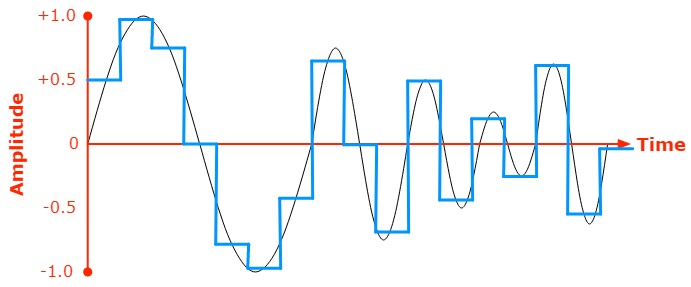
| 0.5 | 1 | 0.75 | 0 | -0.75 | -1 | -0.5 | 0 |
|---|
https://developer.mozilla.org/en-US/docs/Web/Media/Formats/Audio_concepts
AudioContext
Sample
1 / Sampling frequency
+ Sampling frequency
🔊
Audio playback
void PlayCurrentFrameSound(SoundBuffer soundBuffer)
{
	int[] samples = Array.ConvertAll(soundBuffer.samples, Convert.ToInt32);
	BlazorDoom.Renderer.playSoundOnJS(samples, (int)soundBuffer.sampleRate);
}
namespace BlazorDoom
{
[SupportedOSPlatform("browser")]
public partial class Renderer
{
[JSImport("playSound", "blazorDoom/renderer.js")]
internal static partial string playSoundOnJS(
int[] samples,
int sampleRate
);
}
}Audio playback
export function playSound(samples, sampleRate) {
    audioContext = new AudioContext({
        sampleRate: sampleRate,
    });
    const length = samples.length;
    const audioBuffer = audioContext.createBuffer(
        1,
        length,
        sampleRate
    );

    var channelData = audioBuffer.getChannelData(0);
    for (let i = 0; i < length; i++) {
        // noralize the sample to be between -1 and 1
        channelData[i] = samples[i] / 0xffff;
    }

    var source = audioContext.createBufferSource();
    source.buffer = audioBuffer;
    source.connect(audioContext.destination);
    source.start();
}| 0 | 1 | 2 | 3 | 1 | 1 | 2 | 3 |
|---|
| 0 | 1 | 2 | 3 |
|---|
From 1D frame to a 2D frame
| 2 | 2 | 0 | 1 |
|---|
Frame data
12 bytes
Color palette
Canvas Frame
12 * 4 bytes (r, g, b, a)
-
Doom uses color indexing
-
Image built from top to bottom and from left to right
Frame rendering: from C# to JS
namespace BlazorDoom
{
    [SupportedOSPlatform("browser")]
    public partial class Renderer
    {
        [JSImport("drawOnCanvas", "blazorDoom/renderer.js")]
        internal static partial string renderOnJS(byte[] screenData,
                                                   int[] colors);
    }
}
export function drawOnCanvas(screenData, colors) {
//
}public class DoomRenderer
{
// Called by updateGameState
private void Display(uint[] colors)
{
BlazorDoom.Renderer.renderOnJS(screen.Data, (int[])((object)colors));
}
}Rendering a Frame buffer
export function drawOnCanvas(screenData, colors) {
  	const context = getCanvas().context;
    const imageData = context.createImageData(320, 200);
    let y = 0;
    let x = 0;
    for (let i = 0; i < screenData.length; i += 1) {
        const dataIndex = (y * width + x) * 4;
        setSinglePixel(imageData, dataIndex, colors, screenData[i]);
        if (y >= height - 1) {
            y = 0;
            x += 1;
        } else {
            y += 1;
        }
    }
    context.putImageData(imageData, 0, 0);
}

function setSinglePixel(imageData, dataIndex, colors, colorIndex) {
    const color = colors[colorIndex];
    imageData.data[dataIndex] = color & 0xff; // R
    imageData.data[dataIndex + 1] = (color >> 8) & 0xff; // G
    imageData.data[dataIndex + 2] = (color >> 16) & 0xff; // B
    imageData.data[dataIndex + 3] = 255; // Alpha
}





Key takeaways
- WASM possibilities are limitless
- Porting a game is way to learn programming while having fun




@yostane
Yassine
Benabbas


Links
- https://mspoweruser.com/this-doom-digital-camera-source-port-is-amazing-and-bizarre/
- https://www.link-cable.com/top-10-weird-doom-ports/
- pixabay.com
- Doom text generator: https://c.eev.ee/doom-text-generator