Managed
Doom
Blazor




Managed
Doom
Blazor



Speaker
DevRel @ Worldline
Teacher

Yassine
BENABBAS
yostane


YCoding


Agenda
- Introduction
- Managed DOOM
- Running .net on the browser
- Making the port using Blazor
- Tips and Tricks
- Released in 1993 for DOS
- One the most successful First Person Phooters
- Basically, it's an engine + a WAD file

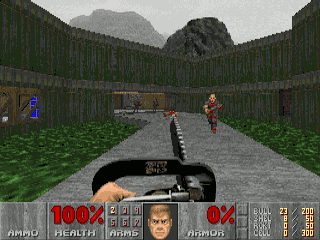
Introduction
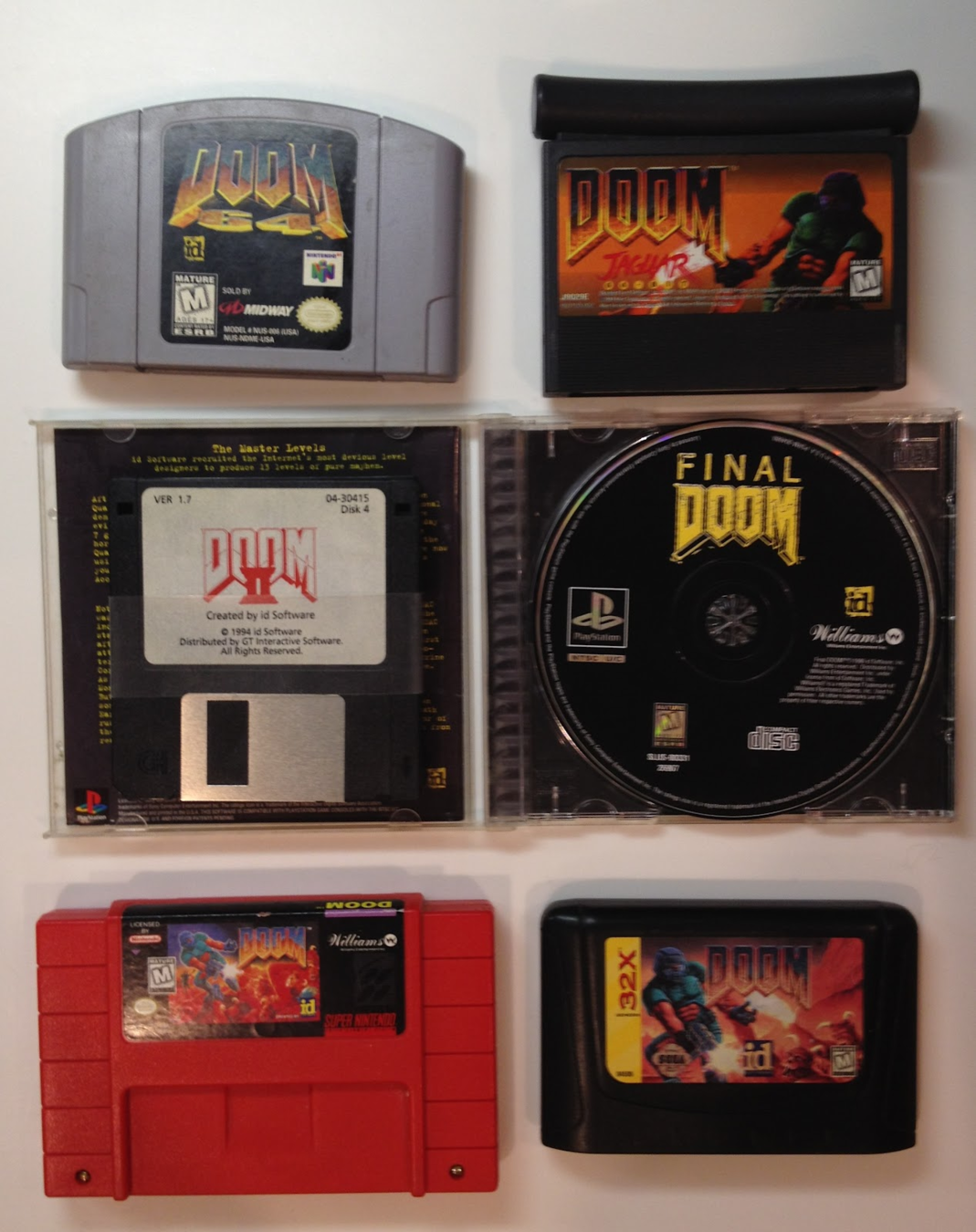
http://mrglitchsreviews.blogspot.com/2012/09/doom-console-ports.html
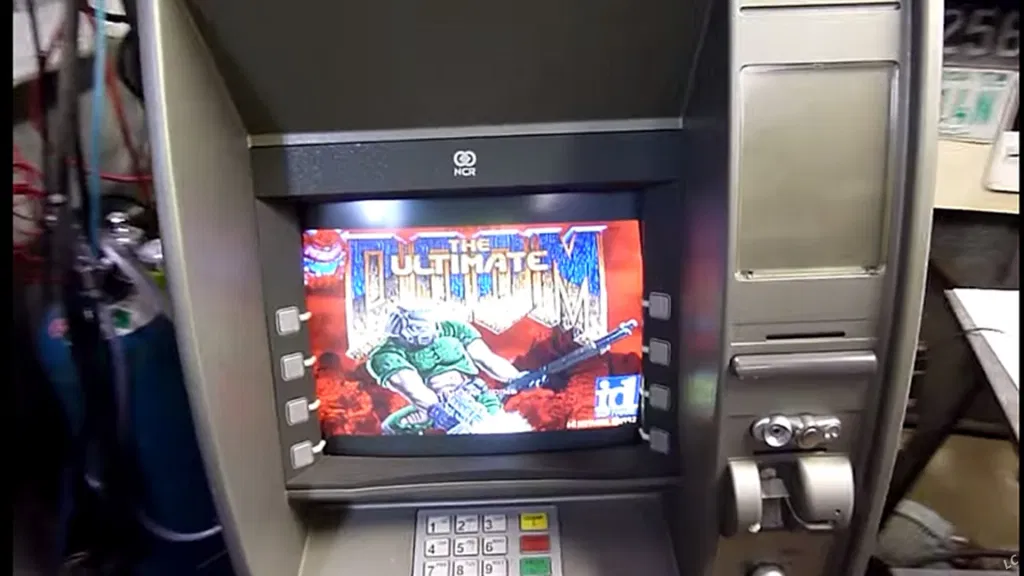
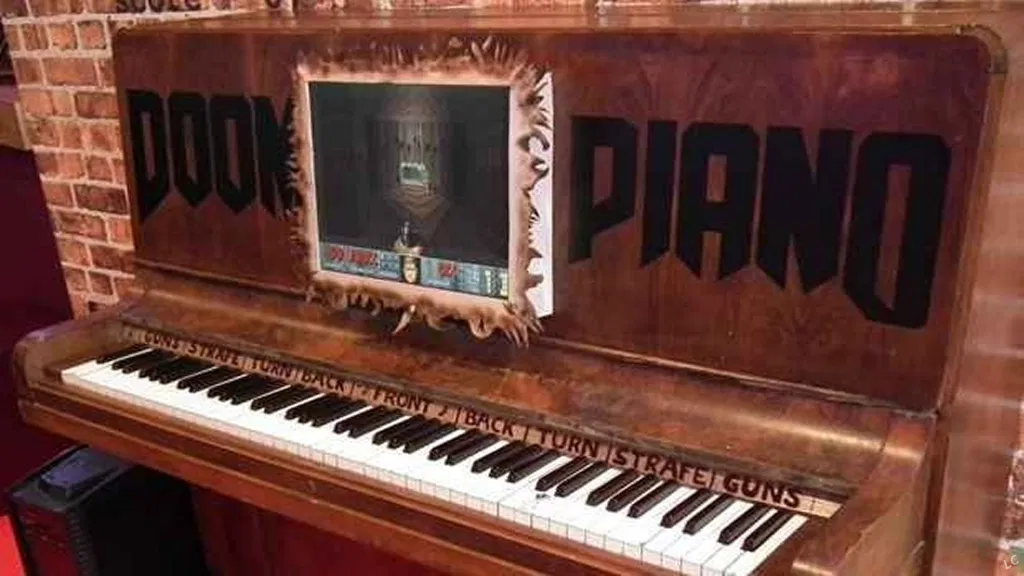
Ported to a LOT of platforms
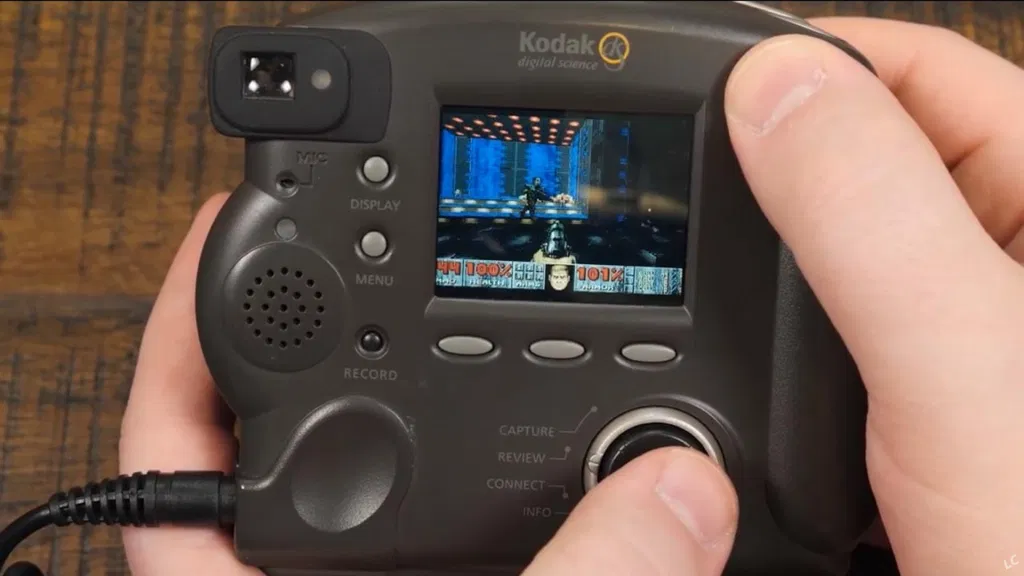
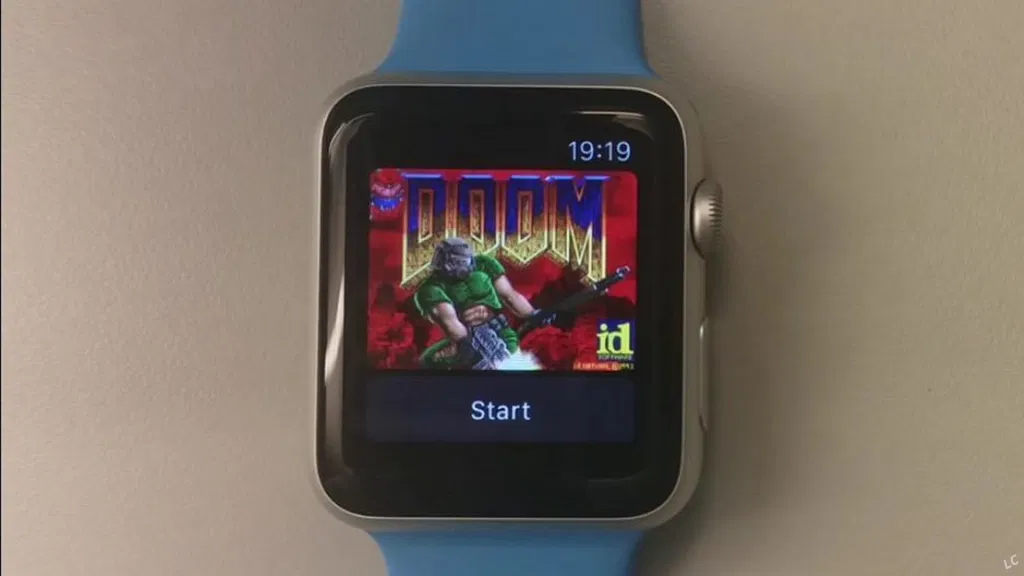
https://www.link-cable.com/top-10-weird-doom-ports/
Microsoft and Doom
- The game was used to demosntrate Windows 95
- Microsoft acquisition of Zenimax in 2020
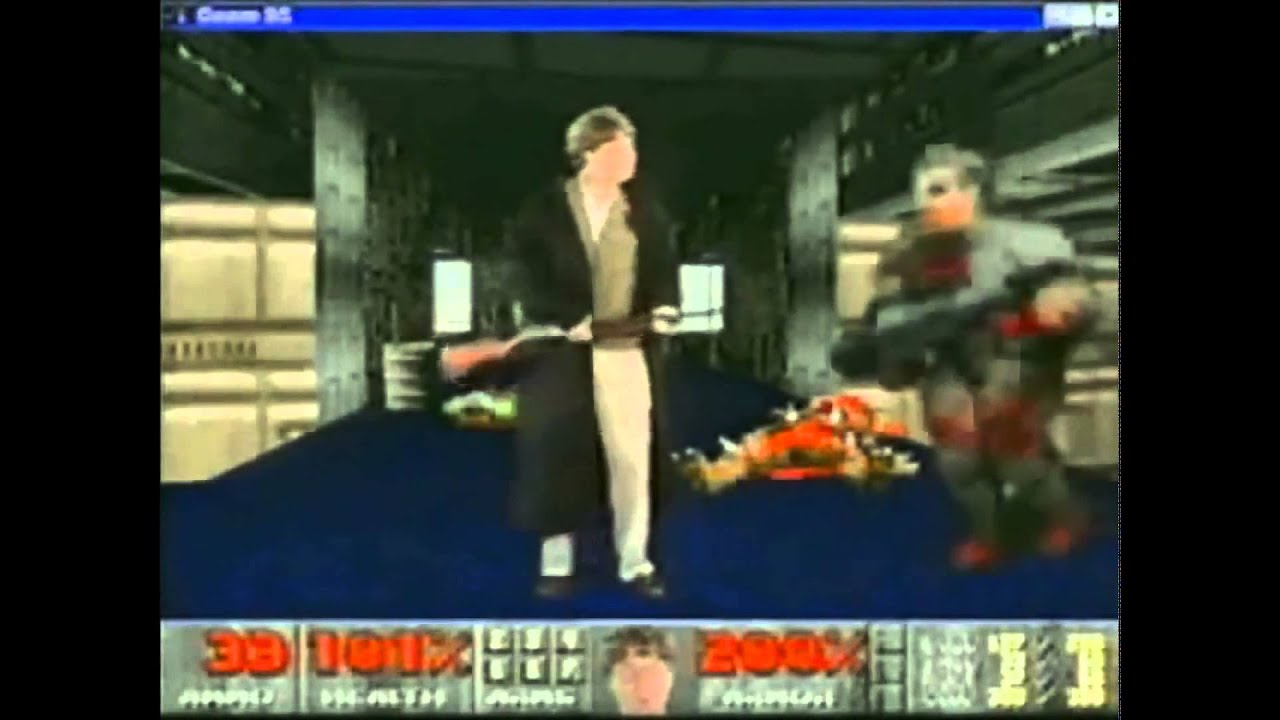
Source: https://www.yahoo.com/news/1995-bill-gates-gave-crazy-180900044.html
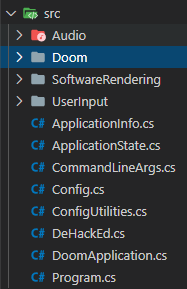
ManagedDoom

Running .net on the web
- Blazor WASM
- JS interop (since .net 7)
- Both rely on compiling .net code to WASM
- My current port uses Blazor WASM

Blazor
- Framework for building web apps
- Component based (like Angular and VueJS)
- Uses .net and C# instead of JS
- .Net code can run in either on:
- the server
- or the browser: Blazor WASM

Blazor WASM runs .net in the browser thanks to WebAssembly
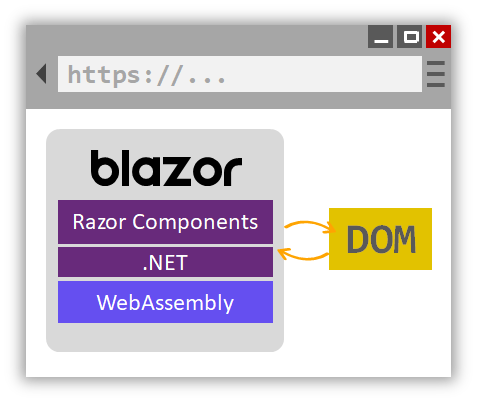
Source: https://docs.microsoft.com/fr-fr/aspnet/core/blazor/?view=aspnetcore-5.0
@page "/counter"

<h1>Counter</h1>
<p>Current count: @currentCount</p>
<button @onclick="IncrementCount">Click me</button>

@code {
    private int currentCount = 0;
    private void IncrementCount() { currentCount++; }
}
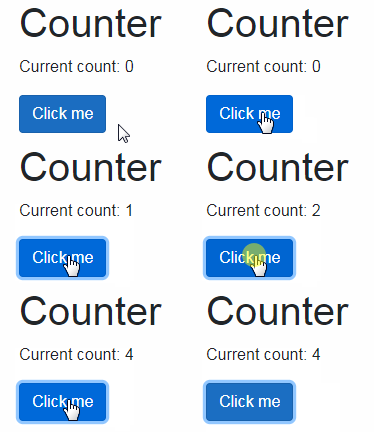
A Razor component
Summary
- Doom has a LOT of ports
- A .net port already available (ManagedDoom)
- Blazor run .net in the Browser

Let's make Balzor Doom
MangedDoom V1 architecture
GameLoop
pressed keys (keyup)
release keys (keydown)
['Z', 'Q']
['space']
Frame buffer
Audio buffer
SFML Audio
SFML Video
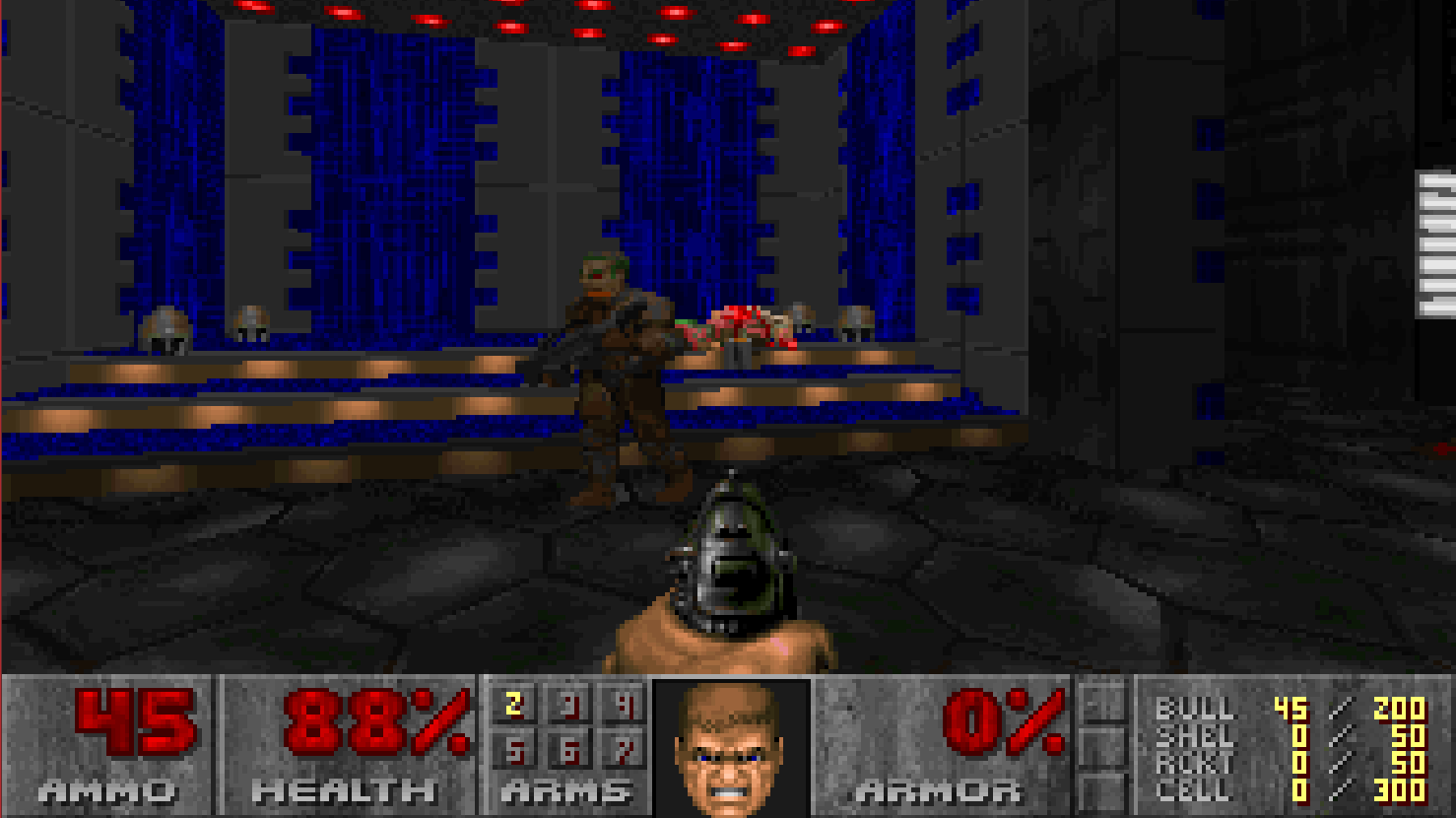
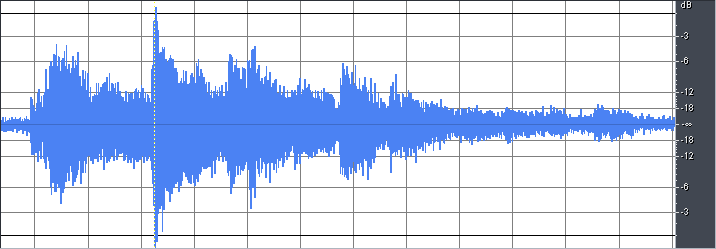

GameLoop iteration (Doom Engine)

wad
DOOM.wad
Blazor
Blazor
~70% OK
Constraints
- SFML not available in Blazor
-
Cannot draw frame and play audio from C#
- Must use JS Canvas and Audio
-
C# needs to send buffers to JS
-
Fast: WebAssemblyJSRuntime.InvokeUnmarshalled
- used for image
-
Much slower: WebAssemblyJSRuntime.Invoke
- used for audio (because I couldn't get the former to work 😔)
-
Fast: WebAssemblyJSRuntime.InvokeUnmarshalled
-
.net WASM runtime is slower than native runtime
- Optimisation in the engine are necessary
Game architecture

requestAnimationFrame
Frame buffer
Audio buffer
IJSRuntime.Invoke
IJSRuntime.InvokeUnmarshalled
AudioContext
Canvas
pressed keys (keyup)
release keys (keydown)
['Z', 'Q']
['space']
GameLoop iteration (Doom Engine)
Razor
wad
DOOM.wad
DotNet.invokeMethod
Game architecture
- Two sides: C# and JS
- A Razor component makes the link between them
- C# runs the doom engine
- Input: wad file and key presses
- Output: image and audio buffers
- JS updates the canvas and the audio
- Input: image and audio buffers
- Output: key presses
Technical details
show me some code !
<label>WAD url (shareware wad used by default)</label>
<input type="text" value="@wadUrl" />

<button class="btn btn-secondary" @onclick="@StartGame">Start game</button>

<canvas id="canvas"  Width="320" Height="320"
	style="width:100%; height:auto; image-rendering: pixelated;">
</canvas>


@code {
    protected override async Task OnAfterRenderAsync(bool firstRender)
    {
        await StartGame();
    }

    private async Task StartGame()
    {
        var stream = await Http.GetStreamAsync(wadUrl);
        var commandLineArgs = new ManagedDoom.CommandLineArgs(args);
        app = new ManagedDoom.DoomApplication(commandLineArgs, configLines, Http,
         stream, jsRuntime, jsProcessRuntime, webAssemblyJSRuntime, wadUrl);
        jsProcessRuntime.InvokeVoid("gameLoop");
    }

    [JSInvokable("GameLoop")]
    public static void GameLoop(uint[] downKeys, uint[] upKeys)
    {
        app.Run(downKeys, upKeys);
    }
}
The DOOM component
window.gameLoop = function (timestamp) {
  if (timestamp - lastFrameTimestamp >= frameTime) {
    lastFrameTimestamp = timestamp;
    DotNet.invokeMethod('BlazorDoom', 'GameLoop', downKeys, upKeys);
    upKeys.splice(0, upKeys.length);
  }

  window.requestAnimationFrame(window.gameLoop);
}
Gameloop orchestration
Audio playback
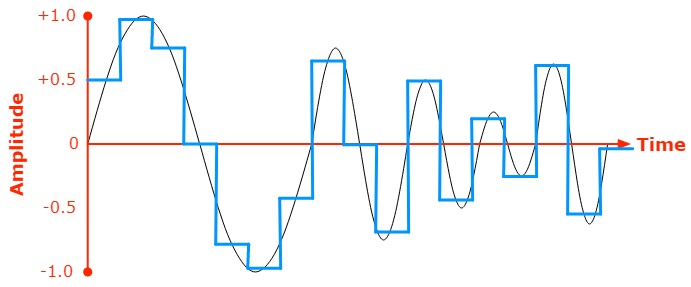
| 0.5 | 1 | 0.75 | 0 | -0.75 | -1 | -0.5 | 0 |
|---|
https://developer.mozilla.org/en-US/docs/Web/Media/Formats/Audio_concepts
AudioContext
Sample
1 / Sampling frequency
+ Sampling frequency
playByteArray(samples, sampleRate) {
    const audioBuffer = this.context.createBuffer(
      1,
      length,
      this.context.sampleRate
    );
    var channelData = audioBuffer.getChannelData(0);
    for (let i = 0; i < length; i += 2) {
      channelData[i] = samples[i] / 0xffff;
    }

    var source = this.context.createBufferSource();
    source.buffer = audioBuffer;
    source.connect(this.context.destination);
    source.start();
  }
Audio playback
var audioData = new object[] {
	SoundBuffer.samples,
	SoundBuffer.sampleRate,
	0,
	Position
};

DoomApplication.WebAssemblyJSRuntime.Invoke<object>(
	"playSound",
audioData);| 0 | 1 | 2 | 3 | 1 | 1 | 2 | 3 |
|---|
| 0 | 1 | 2 | 3 |
|---|
How a frame is built
| 2 | 2 | 0 | 1 |
|---|
Frame data
Color palette
Frame
Image built from top to bottom and from left to right
var args = new object[] { screen.Data, colors, 320, 200 };
DoomApplication.WebAssemblyJSRuntime.InvokeUnmarshalled<byte[], uint[], int>
	("renderWithColorsAndScreenDataUnmarshalled", screen.Data, colors);
Sending the frame to JS
| 0 | 1 | 2 | 3 | 1 | 1 | 2 | 3 |
|---|
| 0 | 1 | 2 | 3 |
|---|
| 2 | 2 | 0 | 1 |
|---|
Frame data
Color palette
0123
1123
2201
0
Bit shifting required in JS side !
IJSRuntime.InvokeUnmarshalled
window.renderWithColorsAndScreenDataUnmarshalled = (screenData, colors) => {
  const canvas = document.getElementById("canvas");
  var context = canvas.getContext("2d");
  context.imageSmoothingEnabled = false;
  const imageData = context.createImageData(width, height);
  let x = 0;
  let y = 0;
  for (var i = 0; i < (width * height) / 4; i += 1) {
    const screenDataItem = BINDING.mono_array_get(screenData, i);
    let dataIndex;
    for (var mask = 0; mask <= 24; mask += 8) {
      dataIndex = y * (width * 4) + x;
      setSinglePixel(imageData, dataIndex, colors, (screenDataItem >> mask) & 0xff);
      if (y >= height - 1) { y = 0; x += 4; } else { y += 1; }
      dataIndex = y * (width * 4) + x;
    }
  }
  context.putImageData(imageData, 0, 0);
};
function setSinglePixel(imageData, dataIndex, colors, colorIndex) {
const color = BINDING.mono_array_get(colors, colorIndex);
imageData.data[dataIndex] = color & 0xff;
imageData.data[dataIndex + 1] = (color >> 8) & 0xff;
imageData.data[dataIndex + 2] = (color >> 16) & 0xff;
imageData.data[dataIndex + 3] = 255;
}Frame display
Fast Porting methodology
- Remove SFML and make the app compile
- Replace with empty methods and put "TODO: implement"
- Implement necessary methods little by little
- Priority to image rendering
- Begin with quick and non-optimized code (static, raw values)
- Read Doom-Wiki and SFML documentation only when necessary
- Used to understand image buffer structure
- Side project duration: 2 weeks
Porting steps
- Remove SFML and unavailable methods
- Get at least image display
- Optimize image
- Keyboard input
- Sound effects
- Mouse input
- Game music
- More optimizations
- Try other WADs
- ...
Done
Tips and lessons learned
- Blazor
- Avoid Array.Copy on Big arrays (in .Net 5)
-
InvokeUnmarshalled is very fast
- But has problems with certain data types
- Rely on undocumented APIs (
MONOandBINDING)that have been removed in .Net 7 in favor of JS Interop
- Extensive logging from Blazor sloooows the app
-
JS
-
window.requestAnimationFrame allows to pace the frames
-
Browsers require interaction with the page to play audio
-
JS Interop in .net > 7
- Less intricate way to run .Net from JS (no components)
- More adapted to this case than Blazor
// JS code
export function setLocalStorage(todosJson) {
  window.localStorage.setItem('dotnet-wasm-todomvc', todosJson);
}
// C# code
static partial class Interop
{
[JSImport("setLocalStorage", "todoMVC/store.js")]
internal static partial void _setLocalStorage(string json);
}// C# code
public partial class MainJS
{
[JSExport]
public static void OnHashchange(string url)
{
controller?.SetView(url);
}
}
// JS code
const exports = await getAssemblyExports(getConfig().mainAssemblyName);
exports.TodoMVC.MainJS.OnHashchange(document.location.hash);
Call JS from .Net
Call .Net from JS
Next steps
- Short term:
- Migrate to JS Interop
- Update to ManagedDoom V2
- Middle term:
- Mouse input
- Game music
- Test WADs othen than DOOM1
- Long term / wish:
- Make this port an official part of ManagedDoom
Thanks !
Links
- https://mspoweruser.com/this-doom-digital-camera-source-port-is-amazing-and-bizarre/
- https://www.link-cable.com/top-10-weird-doom-ports/
- pixabay.com